
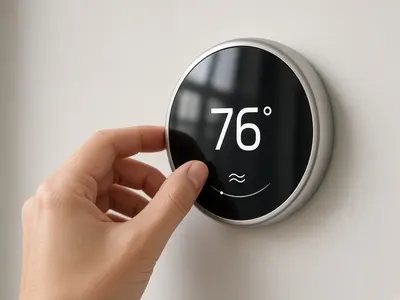
Thermostat Installation in Pinellas Park
We install and set up smart and programmable thermostats, check wiring and C-wire needs, and tune the settings for Florida humidity so your system runs efficiently.
See our thermostat installation service →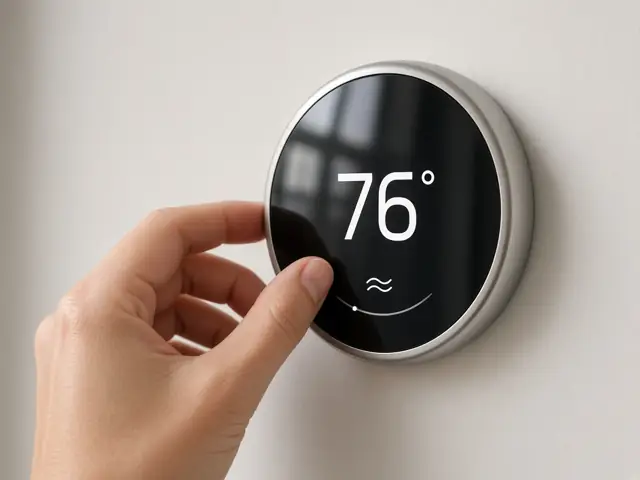
A Nest thermostat not cooling often shows a power or wiring error such as "No power to Rh wire detected" (E4, E24 or E74). That usually means the thermostat isn't getting 24V from the air handler, because of a tripped breaker, a float switch, a blown fuse or a loose wire. Check the settings, Eco mode, the breaker and the drain pan first. Pinellas Cooling & Heating wires and repairs smart thermostats in Pinellas Park.
| Cause | Signs |
|---|---|
| Power problem | E-code on screen; battery low; Wi-Fi drops |
| Float switch tripped | Water in the drain pan; AC off |
| Loose or poorly seated wire | Error after installation or a wiring change |
| No C-wire | Intermittent shutdowns, battery problems |
| Eco mode or schedule | Thermostat set to a higher temperature |
| System fault | Nest has power but the AC still won't cool |
The Rh (or Rc) wire carries 24V power from the air handler to the thermostat. If Nest detects no power there, something upstream has cut it. Google lists the help codes E4, E24 and E74 as "No power to Rh wire detected". Common causes are a tripped breaker, a float switch that shut the system off because the drain is clogged, a blown fuse on the air handler's control board, or a loose wire. If the screen is blank, our guide to a thermostat blank screen walks through the same power checks.
Google Nest Help says to check that your breakers are on, then, with power off at the breaker, make sure each wire has about a third to half an inch of straight copper exposed and is fully seated in its connector. Google also notes that if one of these codes appears suddenly during hot summer months, you'll likely need an HVAC professional, because the system may have stopped powering the thermostat. In Florida, a clogged drain and tripped float switch is a frequent culprit.
AC not cooling right now? Call (727) 761-8873 (answered 24/7) or get a free quote.
Not always, but it helps. Without a C-wire, a Nest charges its battery by drawing small amounts of power through the other wires ("power stealing"). On some systems this causes short cycling, clicking or the thermostat shutting down. Google lists E1 as "Common wire (C wire) is required". Options include using a spare wire in the existing cable, an adapter at the air handler, or running new cable. See our guide to smart thermostat installation cost.
Call if the error returns, the breaker trips, the drain pan keeps filling, or Nest has power but the AC still won't cool. We install and wire all major smart thermostats, and our $125 diagnostic is credited toward the repair if you go ahead.
See thermostat installation in Pinellas Park.
Sources: Google Nest Help, troubleshoot Nest thermostat help codes, including E1 and E4/E24/E74 (support.google.com).
Check whether Eco mode, a schedule or a temperature limit is set in the Nest app. If the settings are fine and the house still won't cool, the AC itself may have a problem, such as low refrigerant, a dirty coil or an undersized system. See our guide to an AC running constantly.
Yes. Call (727) 761-8873 any time.
Free estimates are for new systems and replacements. Repairs start with our $125 diagnostic, credited toward the repair if you go ahead.
We install and set up smart and programmable thermostats, check wiring and C-wire needs, and tune the settings for Florida humidity so your system runs efficiently.
See our thermostat installation service →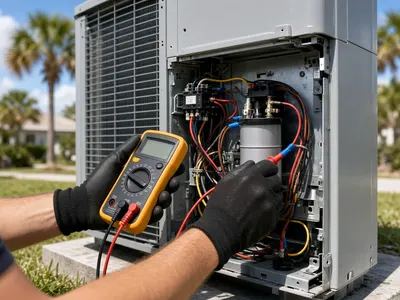
Our licensed technicians fix AC units that are not cooling, leaking, freezing up or tripping breakers, on all major brands. We find the real cause and explain the price before any repair starts.
Book AC repair in Pinellas Park →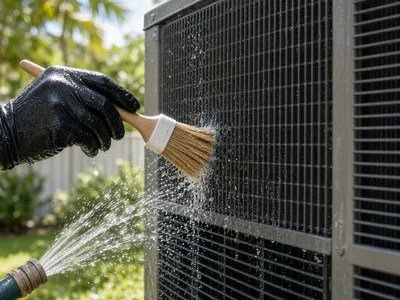
Our twice-a-year tune-ups clean the coils, flush the drain line and test capacitors and refrigerant. That catches small problems before they become midsummer breakdowns.
Schedule an AC tune-up in Pinellas Park →Licensed, local, and the price explained before any work starts.